
Chrome DevTools MCP
Product status: Status not recorded
No lifecycle review is recorded for this listing. Its inclusion in the directory does not confirm current availability; check the vendor before relying on it.
No status check date recorded
Gives coding agents a real Chrome instance through MCP or the CLI, so they can inspect pages, debug and run audits. No lifecycle review is recorded for this listing. Its inclusion in the directory does not confirm current availability; check the vendor before relying on it.
Product preview
Overview
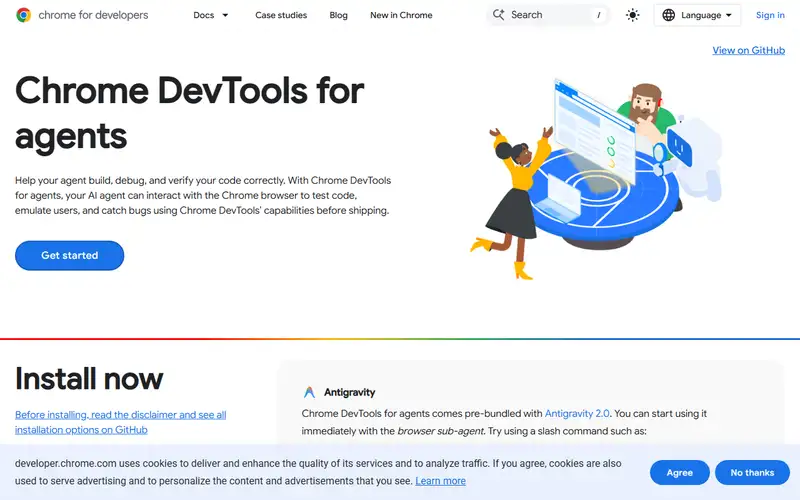
Chrome DevTools MCP connects a coding agent to a real Chrome instance, through the Model Context Protocol or the command line, so the agent can inspect a live page, read console and network activity, and run Lighthouse audits. Google's framing is that it lets an agent validate its own front-end work against a browser rather than against its assumptions.
That is a specific fix for a specific failure. An agent writing front-end code works from a description of the DOM rather than the DOM: it produces code that would work if the page were as it imagined, and reports success on that basis. Handing it a browser puts the feedback loop back on reality — the element really is not where it thought, the fetch really did fail CORS, the layout really does shift. The measurement is not the agent's own opinion of its output, which is the failure mode this class of tool exists to remove. The caveat is scope: a real browser is a real attack surface, and an agent driving one with your session and network access can reach things you did not intend.
Sources
The factual claims in this review were read from the pages below. Each date is when an editor last opened the source, not when the product changed.
- Vendor documentation Checked 2026-09-19
- Vendor documentation Checked 2026-09-19
Pros / Cons
Pros
- Replaces the agent's belief about a page with the page itself
- Gives agents Lighthouse audits rather than only DOM inspection
- Official, open source and free
Cons
- A real browser with your session is a real attack surface
- It validates front-end behaviour, not whether the feature was wanted
- Nothing was run here, so its behaviour under an agent was not observed
Who it's for
Letting an agent verify the UI it just wrote
Debugging console and network errors from an agent
Running accessibility and performance audits on demand
Checking a page renders as intended rather than as assumed
Bottom line
Puts a real browser in the agent's loop — the point is that the feedback comes from the page, not from the agent's belief about it.
Key Features
Tags
Frequently asked questions
Is Chrome DevTools MCP currently available?
No lifecycle review is recorded for this listing. Its inclusion in the directory does not confirm current availability; check the vendor before relying on it.
What is Chrome DevTools MCP?
Chrome DevTools MCP is a Agents & Developer Tooling tool developed by Google Chrome. Gives coding agents a real Chrome instance through MCP or the CLI, so they can inspect pages, debug and run audits.
Is Chrome DevTools MCP free?
Yes — Chrome DevTools MCP is free to use.
Is Chrome DevTools MCP open source?
Yes — Chrome DevTools MCP is open source. The source code is publicly available at https://github.com/ChromeDevTools/chrome-devtools-mcp.
What are the best alternatives to Chrome DevTools MCP?
Notable Agents & Developer Tooling alternatives include Firecrawl, Browser Use, Daytona. Browse all 33 tools in our Agents & Developer Tooling category for a full overview.
Was this listing useful?
Basic Info
- Pricing
- Free
- Editorial score
- ★ 4.3 / 5 How we score
- Platforms
- MCPCLI
- Last verified
- Not recorded