
Figma AI
Product status: Status not recorded
No lifecycle review is recorded for this listing. Its inclusion in the directory does not confirm current availability; check the vendor before relying on it.
No status check date recorded
AI inside the file designers already live in: first drafts, layer rename, copy, and Make — Galileo's destination rather than a parallel canvas. No lifecycle review is recorded for this listing. Its inclusion in the directory does not confirm current availability; check the vendor before relying on it.
Product preview
Overview
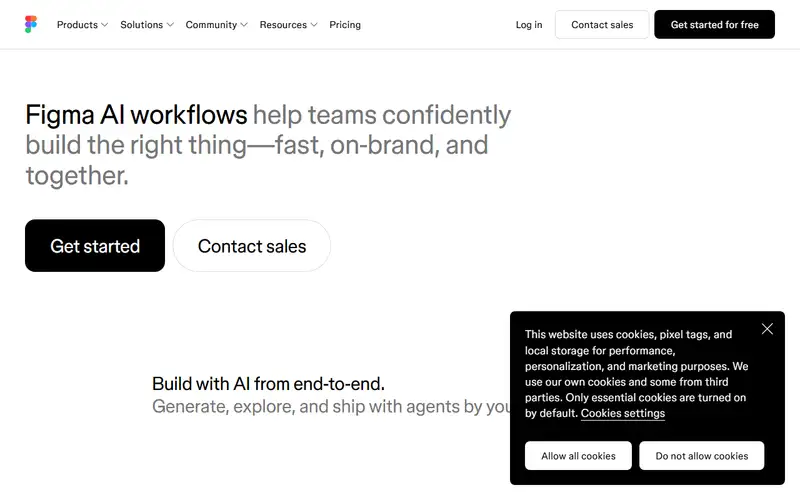
Figma AI is the assistant that does not ask you to leave the file: generate a first screen, rename the mess, rewrite the button, and Make a coded prototype without exporting to a parallel toy. Uizard and Galileo generate into Figma; this generates from Figma.
It will not replace a design system. It will replace the blank page before critique. Quality tracks the model's week and the file's hygiene. If the team already pays Figma, another canvas is usually worse.
No content sources are recorded for this entry. Its inclusion and existing score do not establish that its claims have been independently verified.
Pros / Cons
Pros
- No export to a parallel AI canvas
- First drafts where critique already happens
- Make bridges design to coded UI
- Default when Figma is already the file
Cons
- Not a design-system source of truth
- Quality is model-week dependent
- Useless if the team is not in Figma
Who it's for
First screens before a design critique
Cleaning layer names in a messy file
Rewriting UI copy on the canvas
Make prototypes without leaving Figma
Bottom line
AI in the Figma file — skip every parallel canvas if this is already where design lives.
Key Features
Tags
Frequently asked questions
Is Figma AI currently available?
No lifecycle review is recorded for this listing. Its inclusion in the directory does not confirm current availability; check the vendor before relying on it.
What is Figma AI?
Figma AI is a Productivity tool developed by Figma. It was introduced in 2024, and its developer is headquartered in San Francisco, USA. AI inside the file designers already live in: first drafts, layer rename, copy, and Make — Galileo's destination rather than a parallel canvas.
Is Figma AI free?
No — Figma AI is a paid product. Check the official website for current plans and pricing.
Is Figma AI open source?
No — Figma AI is proprietary software.
What are the best alternatives to Figma AI?
Notable Productivity alternatives include Notion AI, Grammarly, Canva AI. Browse all 159 tools in our Productivity category for a full overview.
Was this listing useful?
Basic Info
- Pricing
- Paid
- Editorial score
- ★ 4.5 / 5 How we score
- Platforms
- WebDesktop
- Launched
- 2024
- Headquarters
- San Francisco, USA
- Last verified
- Not recorded